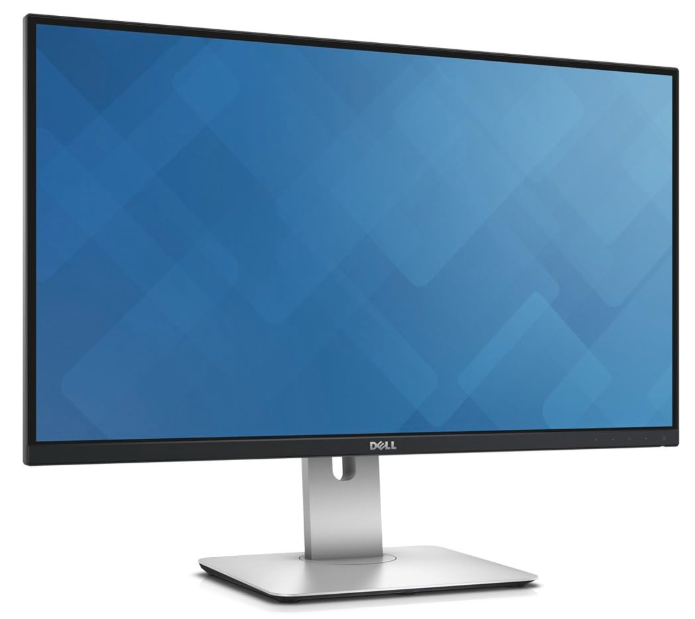
 For the past decade, a Dell U2715h 27 inch monitor has been the external screen I connect to my laptop. It cost me €330 back in 2015.
But over recent years it has developed a fault that has cropped up more and more often – when turning on other electric devices connected to the same ring main as the monitor, the monitor goes black for 10 seconds before coming on again. The internal USB hub in the monitor likewise stops, meaning I stopped using that functionality entirely.
But in my determination to not unnecessarily ditch old electronics I have sought to repair this monitor – and am writing up what I learned in case others face the same.
I initially had to work out what the problem was. I tried different power cables (no impact), different data cables (no impact), different computers (no impact), different chair (really, I checked – no impact), plugging everything into a different ring main (no impact), and also eliminates this being some problem with grounding. Placing devices close to each other or far apart also had no impact.
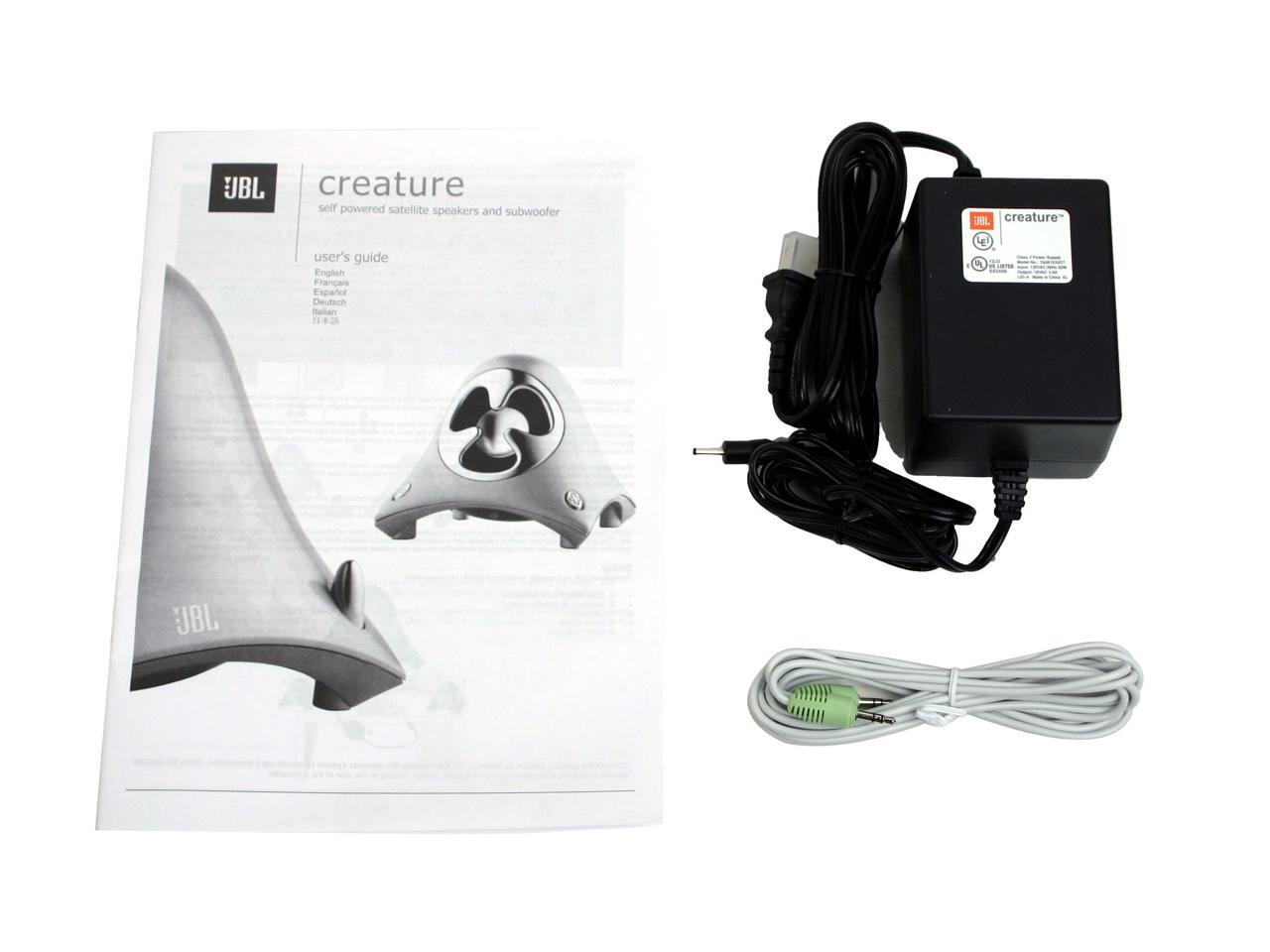
What did make an impact was the type of device I turned on – devices with a transformer (like JBL Creature speakers (that have a hefty power supply), and a 12 volt spotlight lamp) caused the effect more than devices without this.
If devices were on different ring mains in the house, then the impact was eliminated. But the nature of the circuitry in the old house in Bourgogne – where each floor has its own ring main – means connecting some devices to one ring and some to another – is not practically viable. I also do not have a 230 volt UPS (something like this) I can use to eliminate the effect, and given these start at c. €70 and the monitor is by now not worth even €100 I am not going to try that for now.
But what is actually happening?
It looks like inrush current into the transformers of either speakers or light are causing a shortfall for the monitor, that then goes off before then everything stabilises a few seconds later and the screen comes back on.
So then, I logically thought, could the internal power supply in the monitor be the issue? Unlike monitors of some other manufacturers, the power supply in a Dell U2715h is internal.
Getting a replacement power supply online was impossible – none available at a fair price in Europe. So when I was in Berlin last week I found a U2715h with a different defect (a LCD panel problem) on Kleinanzeigen for just €10, shipped it to France, and thought “ok, switch the power supplies between the two and I will be fine”. I tested the Kleinanzeigen U2715h before disassembling it, and bingo – it did not cut out as my original Dell U2715h does.
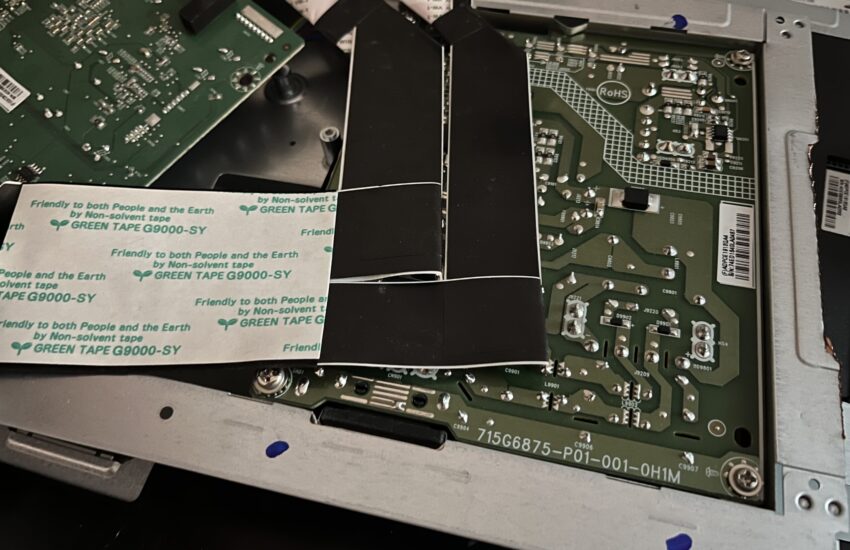
Then came the mess of opening up the monitor – here the iFixit guide on how to open a similar Dell monitor came in handy. But I got it open eventually.
Swap the power supplies (which look exactly identical, and have identical plugs), put it all back together, and…
… damn! The problem remains! Same cutting out.
This problem, it turns out, is something with the mainboard, and not with the power supply. And there were no obviously damaged capacitors on the mainboard either.
So why not just swap out the mainboards instead?
Because those are different, and are incompatible. And that is where my research failed, and where I hope this blog post might help someone avoid making the same errors as I did.
Not all Dell U2715h monitors are the same, internally.
My original monitor was REV A00, and note the L at the end of the serial number:
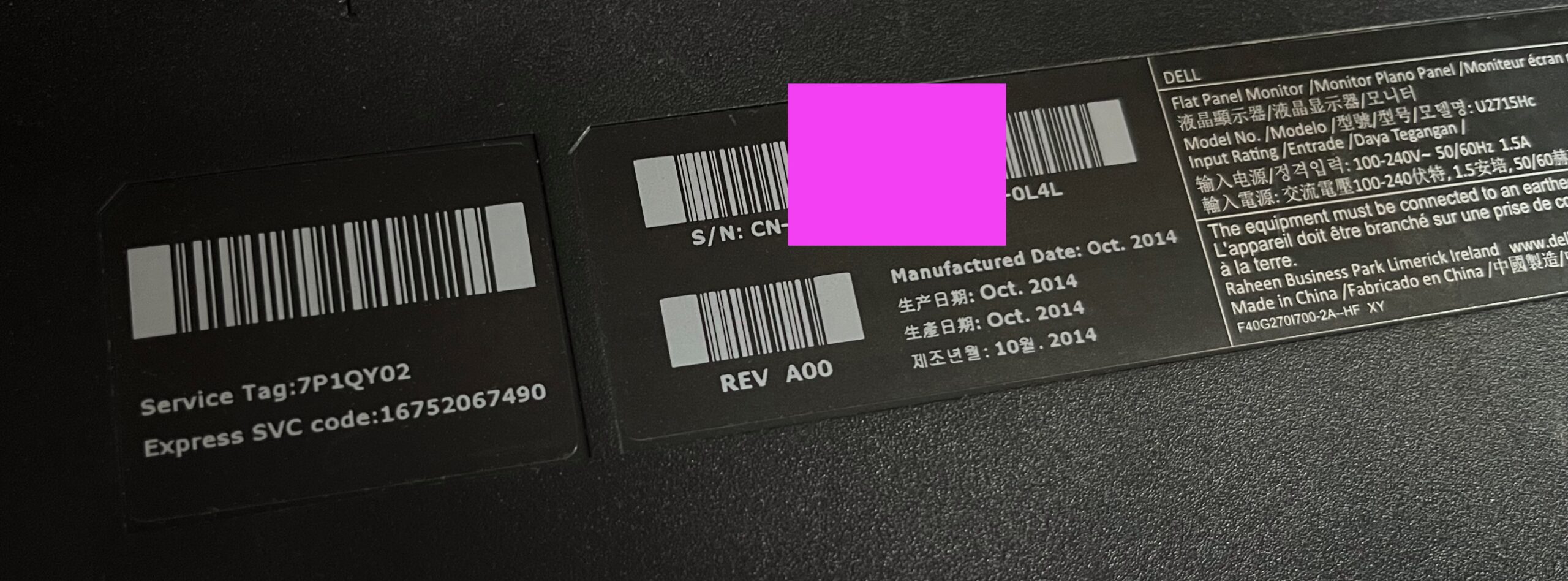
And that L corresponds to a LG LCD panel:
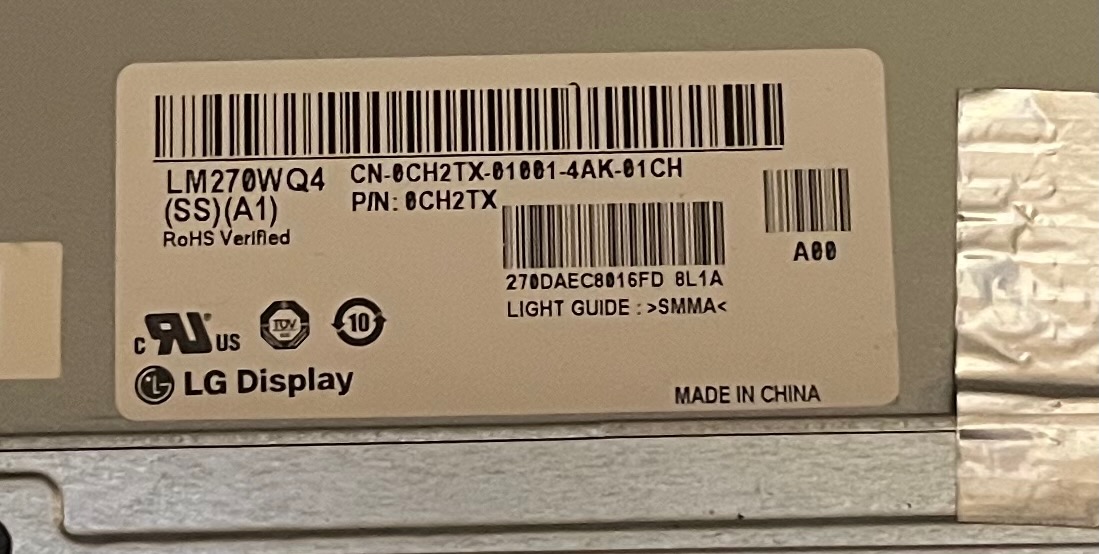
That has plugs on the mainboard that look like this: 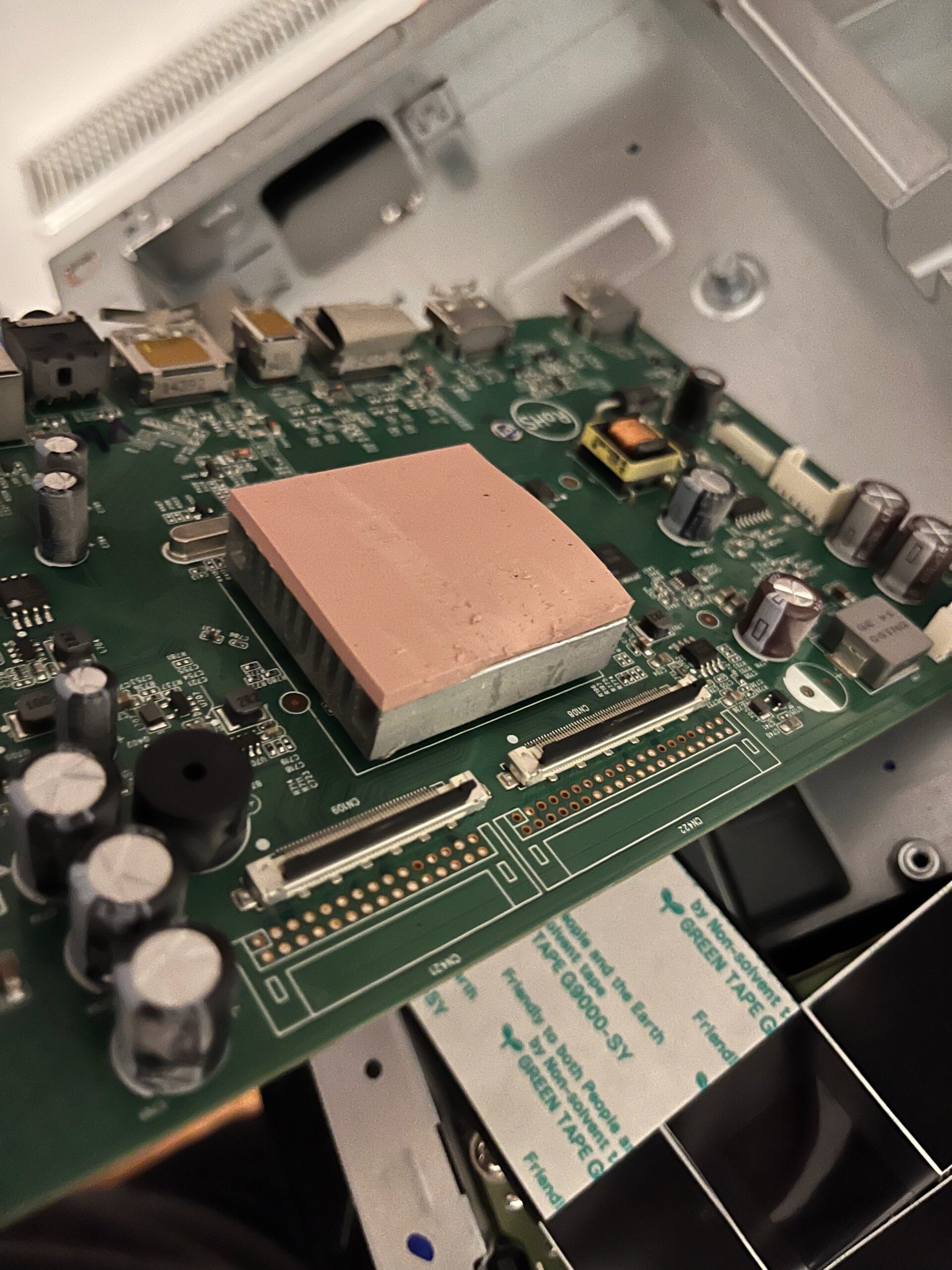
By contrast the other U2715h I had bought was REV A03, note the S:
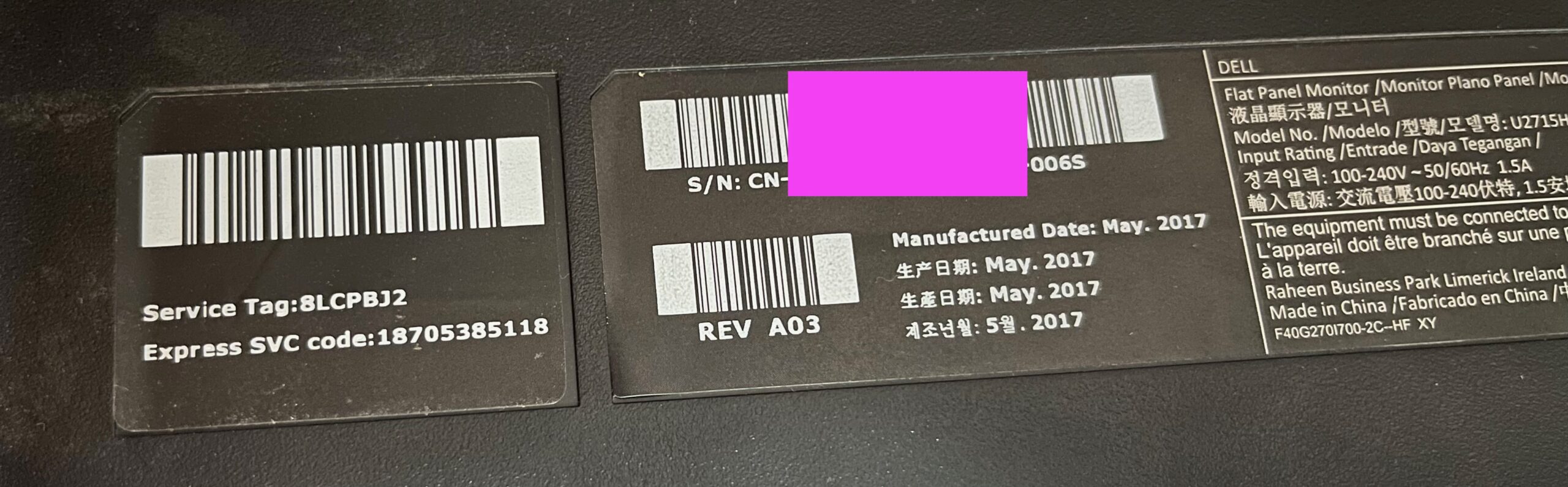
That has a Samsung LCD panel:
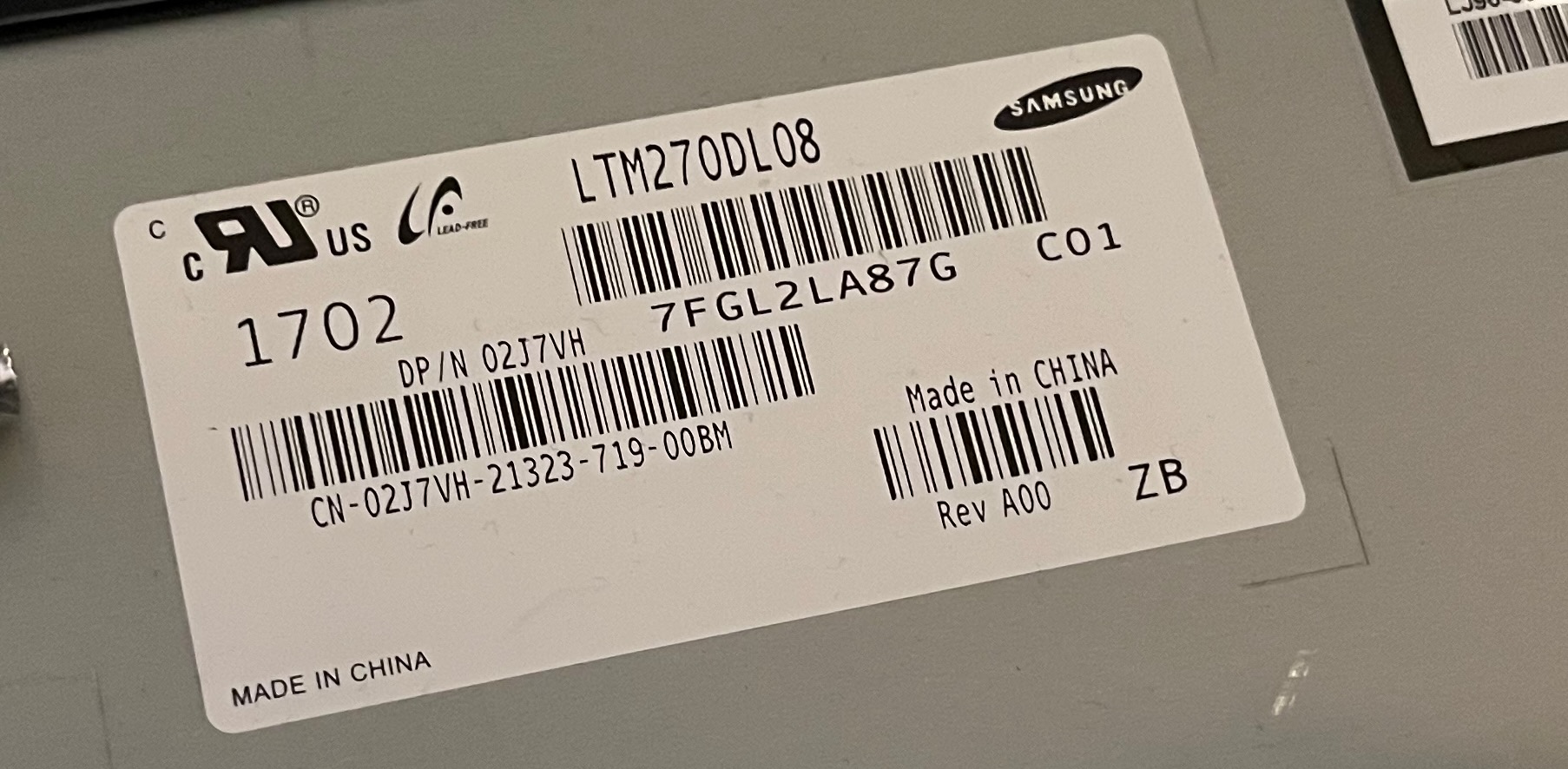
And different plugs on the mainboard (and on the LCD panel, not shown):
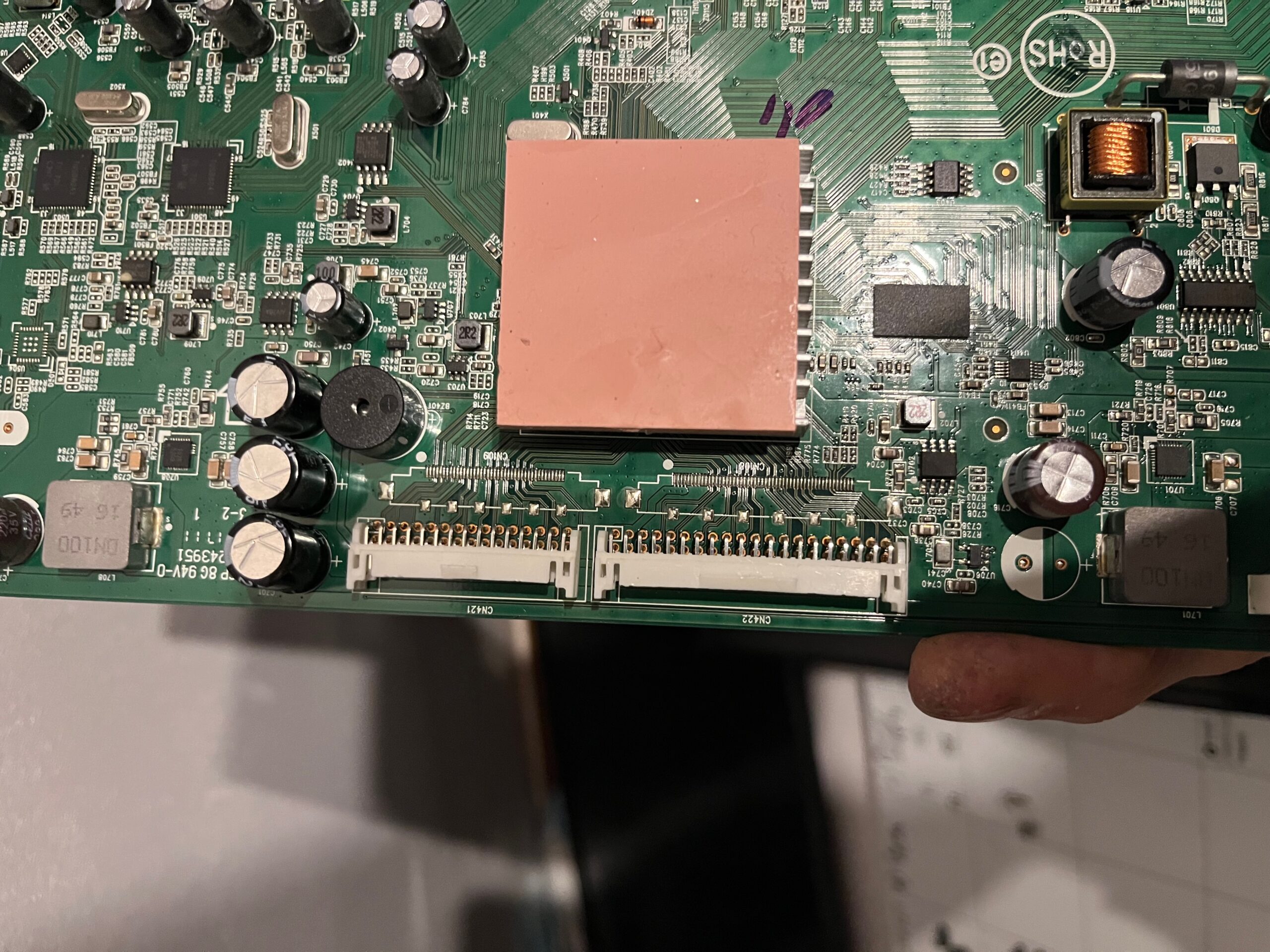
So – unless I can find a suitable alternative cable – there is no way I can cable my original LG panel from the REV A00 monitor to the mainboard from the REV A03 monitor. Yes, someone who knows how to do precision soldering a lot better than I could might perhaps be able to fix that – but it is beyond me to do so.
Even more frustrating I cannot even find a table of what panels are in what versions of a Dell U2715h, although at the very least were I trying such a repair in future I would at least make sure the seller sent me a full picture of all the labels on the back of the monitor so I would have a chance of knowing if what I were cannibalising were compatible.
So I have learned a lot here, but the essential problem remains – I have one monitor where the screen cuts out, and another one with a LCD display panel issue. If you own a Dell U2715h and can help me fill in further gaps in my knowledge do comment below!
What can I find in Google Image Search I wondered?
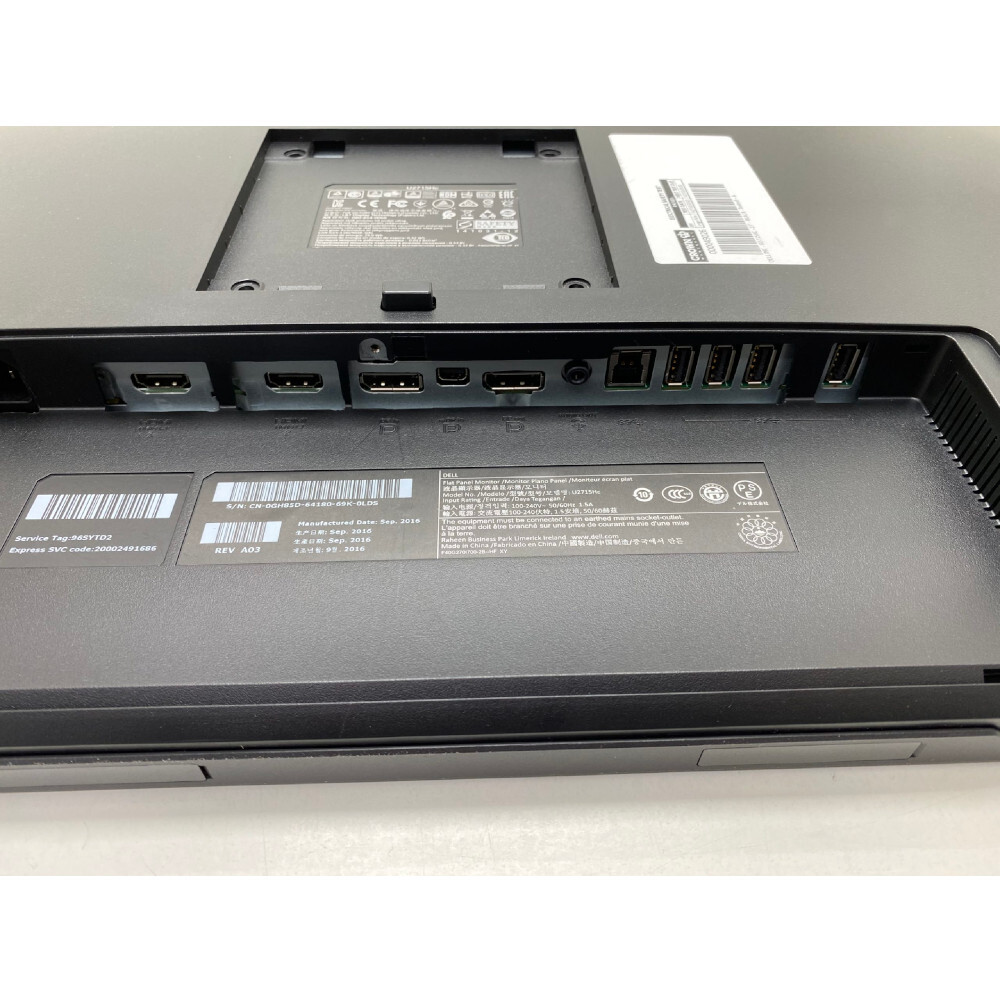
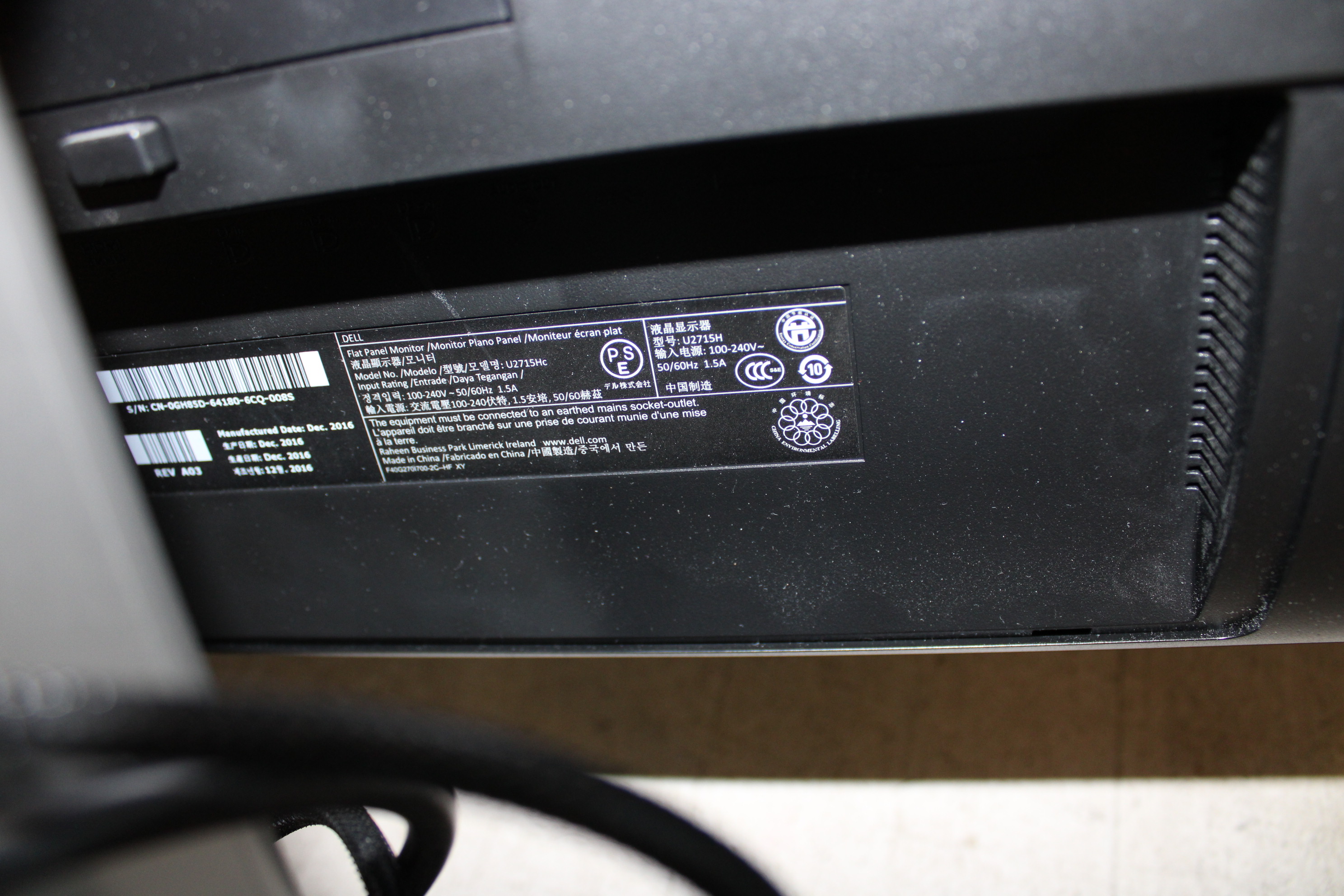
A03 – S (Samsung, Sept 2016)
A03 – S (Samsung, Dec 2016)
A03 – L (LG, Dec 2016 – but it is quite low res, but this one gives me hope!)
A02 – L (LG, Mar 2016 – likewise a A02 board maybe doesn’t have the same fault?)
A05 – S (Samsung, Sep 2017)
A07 – S (Samsung, Jan 2017 – what, there are 7 versions of this monitor?)
Anyway I think all this shows that Dell did not simply move from LG to Samsung LCD panels, and that the situation is more complex than that!


It is fixed! I have a working monitor!
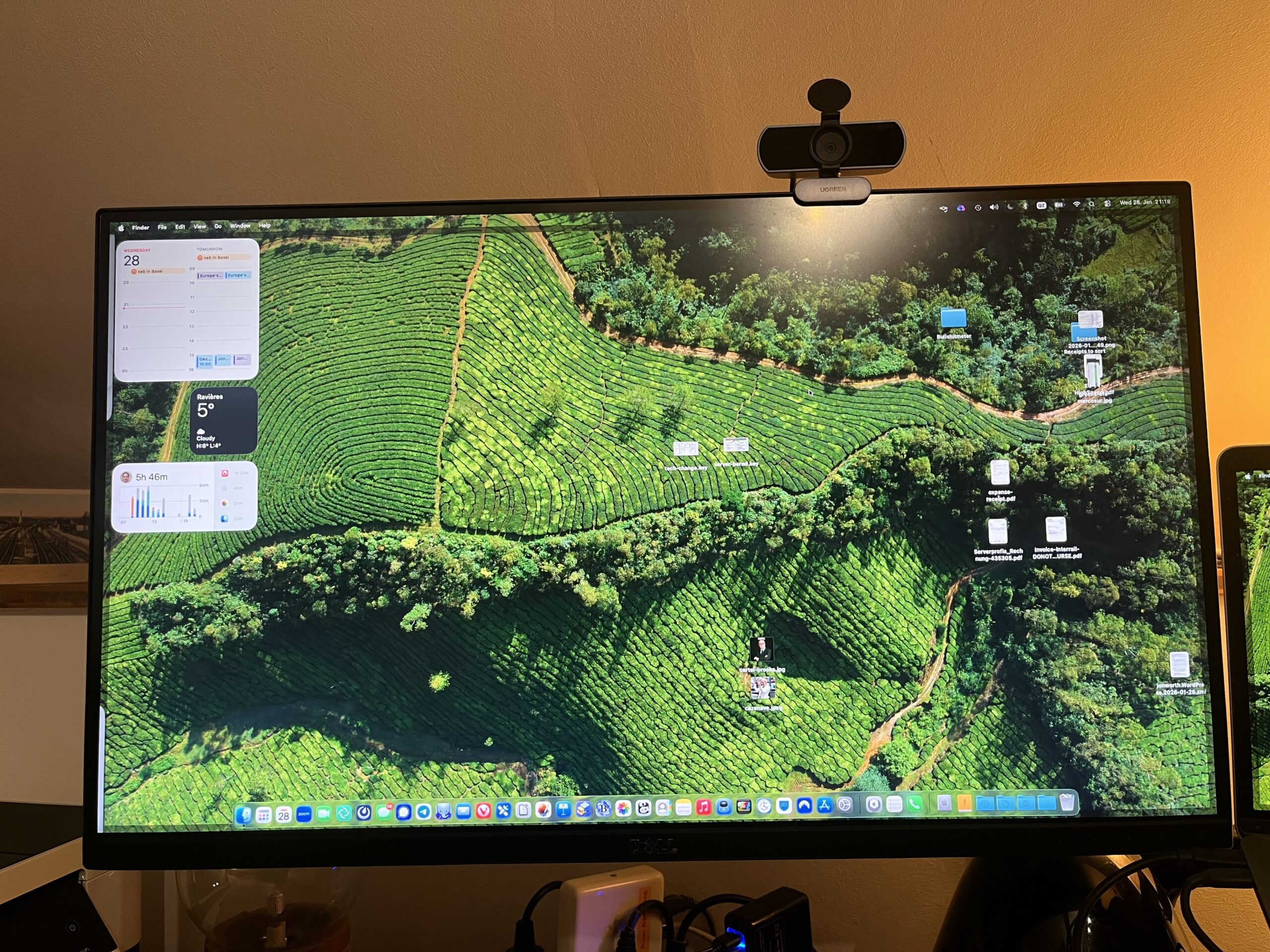
OK, so how did I do it?
I ordered a second broken monitor on Kleinanzeigen for just €5, and – to my surprise when it arrived – it was a REV A08, with a LG Panel (L at the end of the serial number):
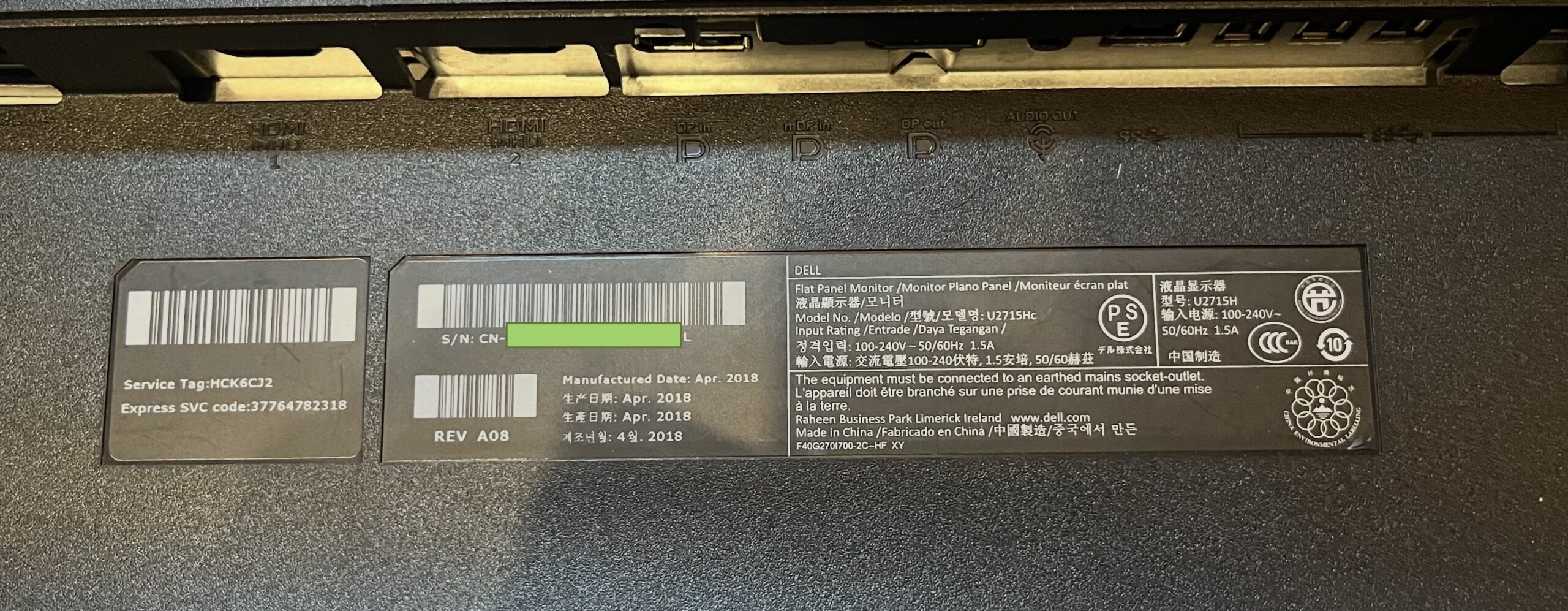
This one was bought with a broken LCD panel – it had been hit with something.
So – I thought – keep the LG LCD panel from my A00 monitor, put in the power supply and mainboard from the A08 monitor and I will be good to go.
Well, no. It turns out the power button cabling of the A08 is different to the A00. So I had to keep everything from the A08 and put in only the LG LCD panel and then bingo it all powered up.
And then in my first tests it did not flicker either when turning on other devices on the same ring main (see above for the problem diagnosis), whereas the A00 had flickered in these situations, even with no cables attached. So something Dell changed across the 9 variants of this monitor had improved things.
So I am good to go, I thought.
On went the Vesa mount, and I connected the monitor via HDMI to the USB-C dock, and USB-C dock to the laptop…
… and damn the going off problem was back – albeit less often than before!
Could it be the dock? No. Same effect without the dock.
The laptop power supply? No, using a different one made no impact, and powering the laptop through the dock or not also made no impact.
How the screen was cabled? No, how the HDMI cable was routed made no difference (either near a power cable, or entirely separate)
I had already tried two different HDMI cables and then, lacking any other options, I tried a third. Bingo – no screen going off. And this last HDMI was the cheapest, crappiest looking HDMI cable of the lot I own!
To check it I found a fourth HDMI cable (one that had been shipped with another Dell monitor, it turns out) and that too eliminated the problem. Two HDMI cables problematic, two just fine.
So in the end this was not one problem, but two: some Dell U2715h monitors have this problem more than others (and it seems the more recent ones have it less), and the quality of your cable also makes some difference. I got there eventually…
P.S. I have all the parts for the A03 U2715h that needs a Samsung panel here, except the LCD panel itself. But getting one is at least €90 shipping from China. And the monitor is worth only €90-€100… So not worth ordering I think.
is there a difference in how the shhielding of the various hdmi cable is connected to ground?